How to Execute Hug Tower TROLL Traps Scripts
Generic executor workflow, hygiene tips, and why your main account should stay clean.
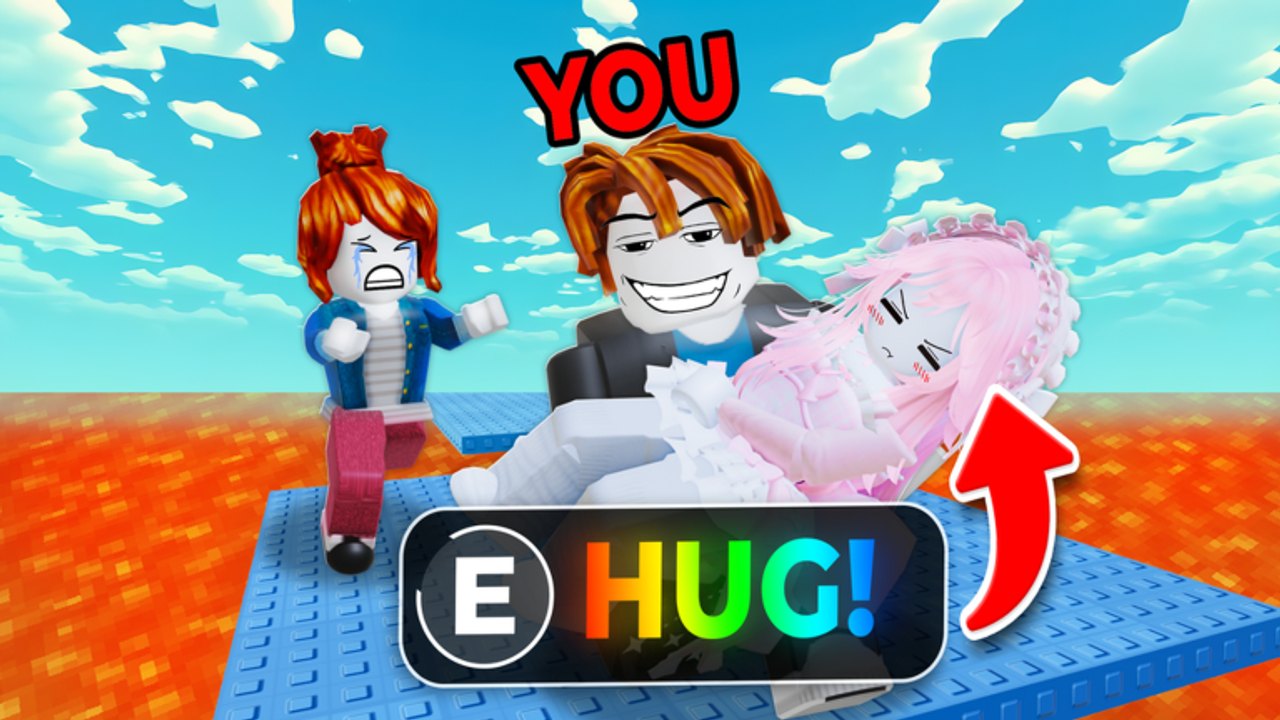
This guide walks through a generic executor workflow for Hug Tower TROLL Traps scripts. Product names such as Delta, Codex, and similar injectors change ranking every few months; the steps below stay useful across brands. Pair this page with the loadstrings on Scripts Hub and the comparisons on Keyless Scripts.
Hard warning: executing scripts violates Roblox Terms of Service. You can lose the account, related limiteds, and access without appeal. Continue only if you accept that risk, preferably on a disposable alt.
What you need
- A Windows PC that meets your chosen executor’s requirements (most mobile “executors” are scams or extremely limited).
- An alternate Roblox account with no valuable items.
- A working executor build that supports
loadstringandHttpGet. - The official TROLL Hug Tower place — not a copy.
- A loadstring copied from this wiki, not from a random chat DM.
Step-by-step execution
1. Prepare the alt
Create or log into an alt. Turn on 2FA on your main and keep it closed. Do not store the main password in the same notes file as script URLs.
2. Install the executor carefully
Download only from the distributor you already researched. Scan the installer if you have security software. Avoid “cracked” paid executors; they are a favorite malware vector. After install, run any required bootstrap or dependency fix the vendor documents.
3. Launch Roblox, then attach
Join TROLL Hug Tower on the alt and wait until your character loads on the tower map. Open the executor and use its Attach / Inject button. Successful attach usually shows a status change in the executor UI. If attach fails, rejoin Roblox once — client updates frequently break injectors for a day or two.
4. Paste the loadstring
Open the executor’s script window. Paste one complete loadstring, for example KSR Hub from the Scripts Hub. Do not paste multiple hubs at once. Execute / Run.
5. Configure the hub UI
When a GUI appears, enable a single feature first (Anti Grab or Auto Hug). Walk a few platforms. If the game freezes or remote errors spam, disable and rejoin. Only then experiment with Teleport, Fly, or ESP.
6. End the session cleanly
Close the hub, disconnect from the server, and exit Roblox before switching to any account you care about. Some injectors remain resident until reboot — reboot if unsure.
Executor tips that age well
- After every Roblox client update, assume you must wait for an executor patch.
- Free executors may rate-limit or show ads; never click “update” buttons that open unknown domains mid-game.
- If the tool demands Discord login plus a key every launch, prefer a keyless script instead of fighting the key wall.
- Keep one known-good executor version archived locally when vendors allow it; bleeding-edge builds are not always stabler.
- Low-end PCs should avoid ESP plus high-FOV fly overlays — lag looks like a failed script even when the Lua is fine.
Alt account hygiene
| Practice | Why it matters |
|---|---|
| Separate email / password | Limits blast radius if the alt is banned or phished |
| No limiteds on alt | You will not cry when the ban lands |
| No shared cookie / session with main | Reduces accidental main inject |
| Do not boast script wins on main chat | Attracts targeted reports |
| Take breaks from obvious Auto Win | Spam wins accelerate moderation attention |
What scripts cannot fix
Executors will not repair a bad network, will not refund Robux spent on game passes, and will not teach map knowledge. Learning the climb via Getting Started still helps when hooks break. Cheap legitimate tools from the Tools tier list keep working after every anti-cheat pass.
Ethical and practical reminder
Hug Tower TROLL Traps thrives on chaotic but readable player interaction — grabbing, carrying, and throwing into lava. When half a server flies invisibly to the top, the lobby dies. If you script, keep sessions short, avoid harassment beyond the game’s intended troll fantasy, and do not attack players outside the experience. This wiki lists scripts because search demand exists; it does not promise uptime, support, or immunity.
Checklist before you hit Execute
- On an alt, not your main
- In the real TROLL Hug Tower place
- Executor attached successfully
- Single keyless loadstring pasted
- Only one risky feature enabled for the first test
- You accept a possible ban
Related links
- Scripts Hub — loadstring list and glossary
- Keyless Scripts — feature comparison
- Guides — play without injectors
- Codes — free official rewards when they exist
- Tier List — Robux gear that stays ToS-safe
Execute calmly, test narrowly, and keep your valuable account far away from the injector.
Frequently Asked Questions
Quick answers for Hug Tower TROLL Traps players.
Can I execute scripts on a phone?
Reliable mobile execution is rare and often scammy. This guide assumes a PC executor that can attach to the Roblox client.
What is Attach or Inject?
It is the executor step that hooks into the running Roblox process so loadstrings can run. Join the game first, then attach.
Should I use my main account?
No. Use an alt with nothing valuable. Bans from scripting are common and often permanent.
Why does attach fail after a Roblox update?
Client changes break injectors until the executor vendor patches. Wait for an update or try a different maintained executor.
Where do I get the loadstrings?
Copy them from the Scripts Hub or Keyless Scripts pages on this wiki. Avoid random Discord DMs.